Help · Getting started
Getting started
Sign in, tell Intaq about yourself once, and get a plan that is checked against your medicines.
Sign in
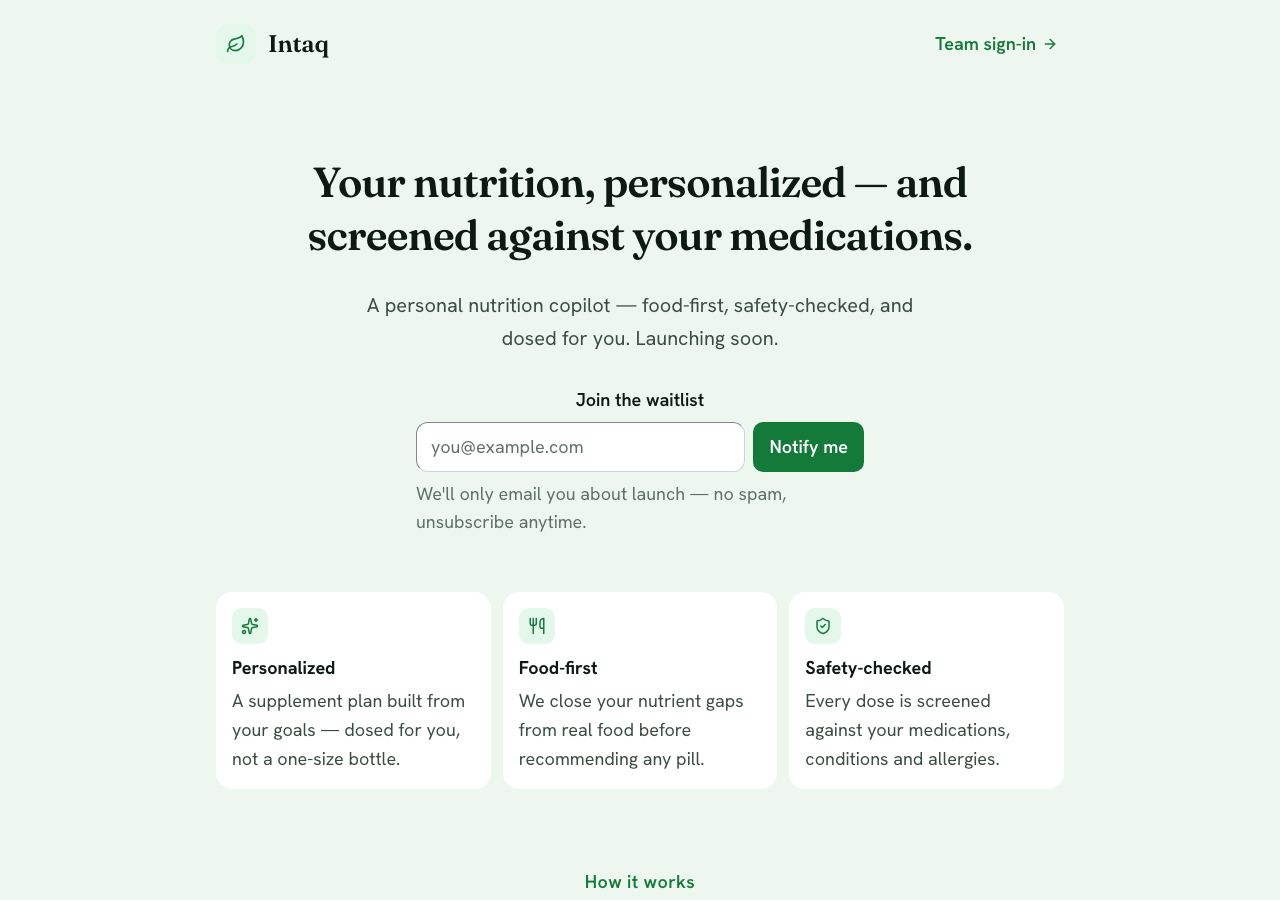
Open app.intaq.ai and sign in with your e-mail. A new account agrees to the Terms and the Privacy Policy on the way in — that is the only form you fill before you start. Intaq is for adults (18 and over).
Tell Intaq about yourself — once
Intaq asks for what it needs to keep you safe: your goals, the medicines you take, your conditions and allergies, and a few basics like age and weight. It takes about two minutes and you never repeat it. When something changes, you update one field and every plan re-checks itself.
Your first plan
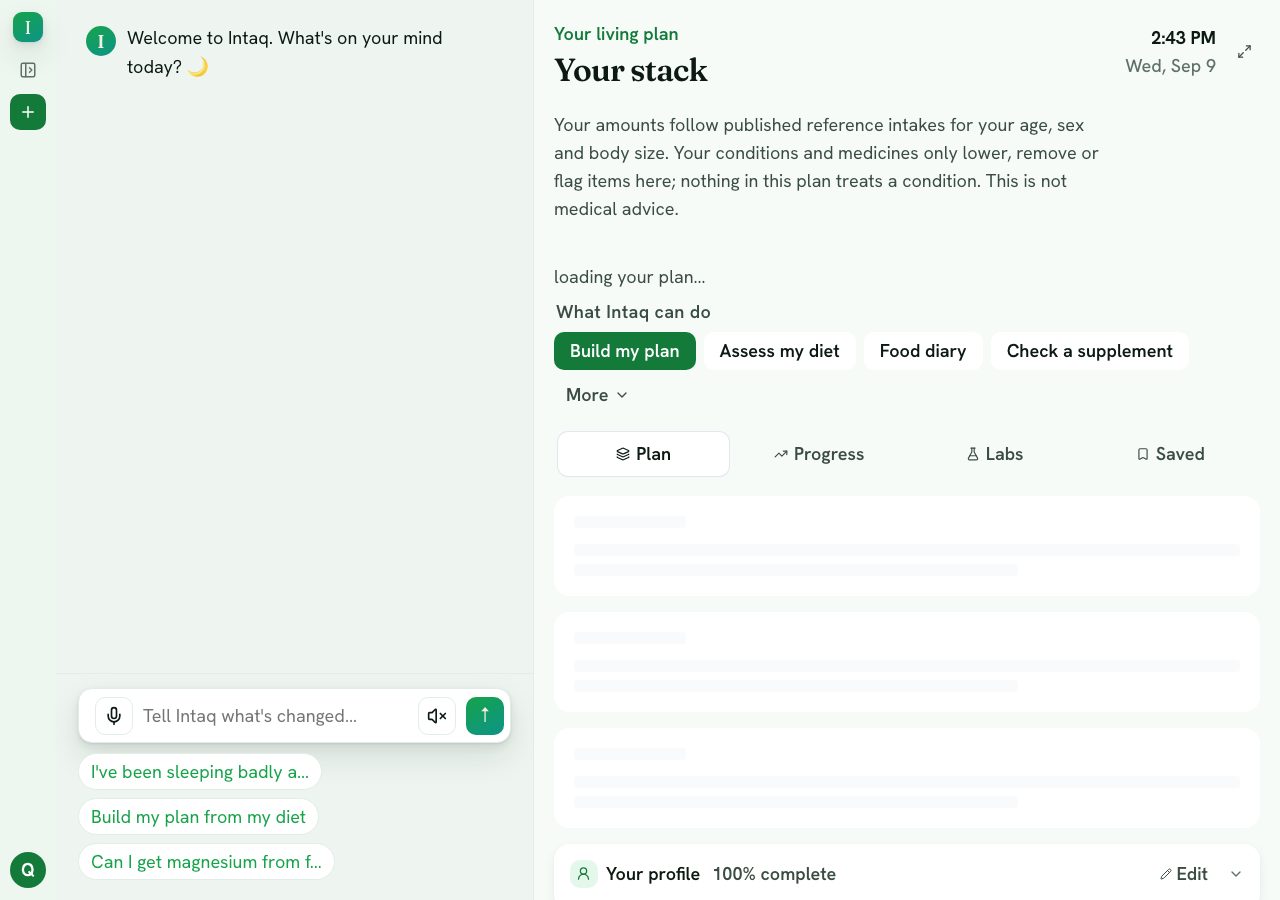
Press Build my plan. You get a short list of supplements with a dose that is right for you, what time of day to take each one, and a plain reason for anything Intaq held back because of a medicine or a condition. Nothing is added to your records until you confirm it.
Then, day to day
- Ask anything in chat, by typing or by voice — about a food, a supplement, a medicine.
- Log what you eat, by typing or from a photo, and see what you actually got today.
- Check a supplement before you buy it: take a photo of the label and Intaq tells you whether it fits you.
- Bring the family: one household plan covers up to four adults, each with their own private records.
Need the details of a function?
Inside the app, tap the small ? beside any function — you get the how-to for that function without leaving the page.
Still stuck? Contact us. Nothing in the app is medical advice; read the medical disclaimer.